The website feedback tool
your visitors never see.
Your team pins notes, bugs, and design feedback on live pages. One script tag. Nothing changes for your audience.

 Travis H.2m ago
This headline is too light on mobile — bumping to semibold should fix it.
The invisible layer
Stop screenshotting your own website.
Pin notes directly on the page. Click, comment, done. Your team sees everything — your visitors never do.
 FIX THIS ↑
Screenshot 2024-11-14 at 3.42.17 PM.png
 #design-feedback
The hero section looks off, see screenshot above ↑
Which page? Production or staging?
Production. The /shop page I think?
Can you circle the specific part?
Re: Re: Re: Homepage feedback
Sarah K., Holly G., Mike R., +2
Sorry, I was referring to the badge on the product card, not the nav. See my previous email from Tuesday with the Figma link…
Show 14 more messages
 Homepage — v3 Final FINAL
This doesn’t match what’s on production. Which version is live?
Last edited by Sarah K. · Nov 14
- fix hero on mobile
- ask Holly re: badge
- update price format
- check w/ Sarah
Notes app
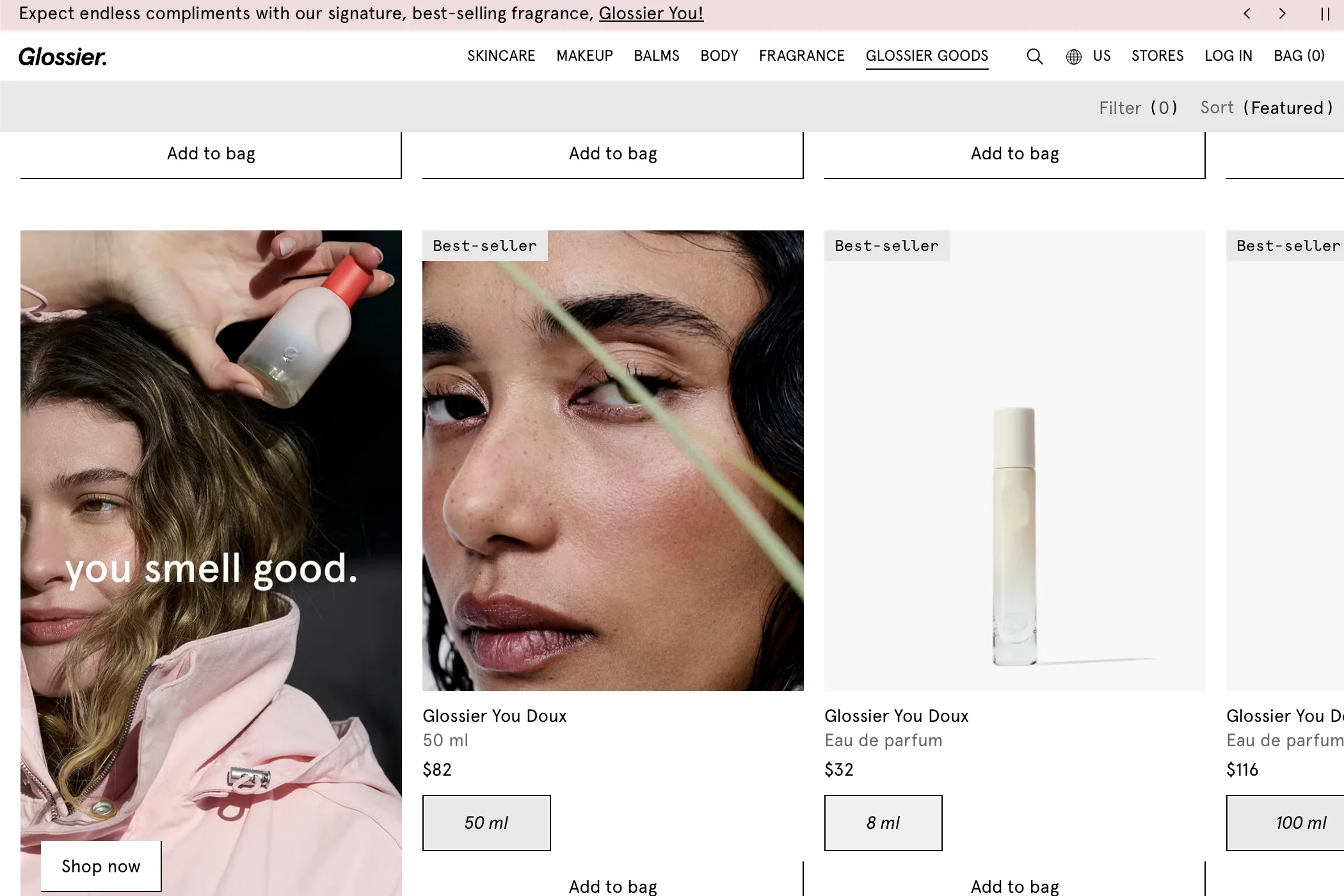
use the image of her holding the 100ml instead — make sure logo is front facing.
How it works
Three steps. Thirty seconds.
Add your site
Paste a URL. Works with React, Next.js, WordPress, Shopify — anything.

 + any stack
Drop in one script
One-click install for WordPress & Shopify. One line of code for everything else.
<script src="…/widget.js"
data-token="your-token"></script>Click to annotate
Pin notes. Assign, prioritize, resolve.
That's it. Your team can start leaving notes in under a minute.
Add your first site free →Features
Built for the way teams actually review sites.
Invisible to visitors
Your customers never see Cayda. Only authenticated team members can. Your live site stays pristine.
Invisible to visitors.
Task management dashboard
Assign, prioritize, set status. Kanban boards, filters, bulk actions — manage feedback like a project, not a thread.
Threaded comments
Reply in context, right on the page. No more “which page was that on?” Every conversation stays anchored to the element.
Flows where your team already works.
Notes become issues, alerts, and tickets — automatically.
Slack
Get notified when notes are created or resolved. Reply from Slack and it syncs back.

Jira
Turn any note into a Jira issue with one click. Status syncs both ways.

Asana
Push notes to Asana as tasks. Screenshots and context carry over automatically.
Request an integration
Need a tool we don't support yet? Let us know.
Pricing
Simple plans. Start free.
Free
$0
- Team notes on your site
- Centralized task dashboard
- 2 websites
- 50 notes per site
- 3 team members
- 30-day history
- Browser & device info capture
- Smart element selection
- Auto screenshots
- WordPress plugin
- Shopify compatible
Pro
+ $5 per seat
billed annually
You + 2 teammates = $19/mo
- Unlimited websites & notes
- Unlimited team members (per-user pricing)
- Full note history
- Invisible mode
- Status, priority & assignment
- Attachments
- Activity feed
- Export notes (CSV)
- Slack notifications
Team
+ $6 per seat
billed annually
- Everything in Pro
- Screen recording
- Guest access — share with clients, no member fee
- Jira integration
- Asana integration
FAQ
Questions, answered.
How does Cayda work?
Add your website URL, install one script tag (or use the WordPress plugin or Shopify app for a no code setup), and your team can click anywhere on the live page to leave notes. Each note is pinned to a specific element with an auto captured screenshot, browser info, and viewport data. Visitors never see it.
Is Cayda visible to website visitors?
No. Cayda is completely invisible to regular visitors. The feedback layer only appears for authenticated team members. No cookies, no tracking, no visible changes for your public audience.
What platforms does Cayda work with?
Cayda works with WordPress (one click plugin) and Shopify (native app) with no code required. It also supports Squarespace, Webflow, Wix, Next.js, React, Vue, and any static HTML site. The script handles single page apps, page transitions, and dynamic content automatically.
Does Cayda affect website performance?
The script loads asynchronously and only activates for authenticated team members. It adds no meaningful overhead for regular visitors and does not impact Core Web Vitals or page load times.
How much does Cayda cost?
Cayda is free for up to 2 websites, 50 notes per site, and 3 team members. Pro is $9/month base plus $5 per member (billed annually) for unlimited sites, notes, file attachments, and Slack integration. Team is $14/month base plus $6 per member (billed annually) and adds screen recording, guest access, and Jira, Asana, and Linear integrations. Monthly billing also available. No credit card required to start.
Notes that live
where the work lives.
Product updates and launch news. No spam.